
Video
Product Ad
Turns an image of your product plus a short brief into a market-ready video ad.
Make product ads, product shots, brand characters, voiceovers and music that look and sound like your brand. This guide covers Pika's brand-ready apps, a step-by-step workflow, prompt templates, consistency tips and the rules for safe commercial use.
Branded AI content is any video, image or audio made with AI that carries your brand identity - your product, colours, characters, voice and message. Done well, it lets a small team publish more ads, social posts and product visuals without losing the look people recognise.
The risk is drift: a logo that changes shape, a product that morphs, a mascot that looks different in every clip, or a tone that doesn't sound like you. The best practices on this page are about keeping AI output on-brand while moving fast.
Pika fits this well because one account covers video, images and sound, and lets you anchor generations to your real product photos and saved characters instead of relying on text alone.
| Brand asset | Pika tool |
|---|---|
| Video ads | Product Ad, Video Studio |
| Product photos | Product Shot, Image Studio, Edit Image |
| Mascots & spokespeople | Character Studio |
| Consistent look | Color Grade |
| Voiceovers | Pika Speech |
| Jingles & music | Pika Music, Soundtrack |
| Captions | Dynamic Captions |
These Pika apps are the most useful for brand and marketing teams. Official previews from Pika.
Turns an image of your product plus a short brief into a market-ready video ad.

Studio-style product photos and lifestyle scenes from one picture.

Save a mascot or spokesperson once and reuse them across videos.

Match every clip to your brand's colour palette and mood.

Drop your product into an existing clip, or swap a generic object for yours.


Consistent brand voiceovers and dialogue.

Original jingles and background tracks for ads.
All app previews © Pika, from pika.art.
List your colours, fonts, tone of voice, product claims you can make, and words or visuals to avoid.
Collect clean product photos on plain backgrounds, your logo files and any character references.
Create mascots or presenters in Character Studio so they look the same in every video.
Use Product Ad or Video Studio with your packshot as the image input, not text alone.
Add a voiceover with Pika Speech, music with Pika Music or Soundtrack, then Dynamic Captions.
Apply Color Grade, add your logo and text in an editor, and check every frame before publishing.
Text-only prompts often reshape products and misspell brand names. Using your approved product photo as the starting image keeps shape, colour and packaging much closer to the real thing.
Turn your guidelines into short, reusable prompt phrases for style, lighting and mood.
Use approved product photos and saved characters as inputs instead of describing them.
AI can distort small text. Overlay your exact logo and copy in an editor. See adding a logo and text.
Reuse the same style words and Color Grade settings so a campaign feels like one shoot.
Pick a single voice in Pika Speech and stick with it across ads and explainers.
Generate 9:16 for Reels and TikTok, 1:1 for feeds and 16:9 for YouTube from the same idea.
Make several hooks or backgrounds per ad and let performance data pick the winner.
Translate voiceovers and captions, and have a native speaker check them.
Check every frame for warped products, extra fingers, wrong text and off-brand moments.
Follow platform rules for labelling AI-generated or altered media in ads.
Swap the words in [brackets] for your brand details. Add your product photo as the image input.
More ideas: Pika prompt guide · viral video prompts
Sound makes ads memorable. Pika can score a finished clip with matching music and effects, create original tracks, and voice your script - so audio stays as consistent as your visuals.
Only use voices and tracks you have the rights to - never clone a real person's voice without permission.
Write a script and storyboard in chat, then generate ads and product shots without leaving the conversation. See Pika in ChatGPT.
Pika's open-source Creative Suite for AI agents includes ready-made workflows like Build a Brand (a brand identity and guidelines PDF), UGC Ads (a 15-second vertical ad from a product URL) and Founder Product Video.
Generate product videos at scale inside your own tools and pipelines. See the Pika API guide.

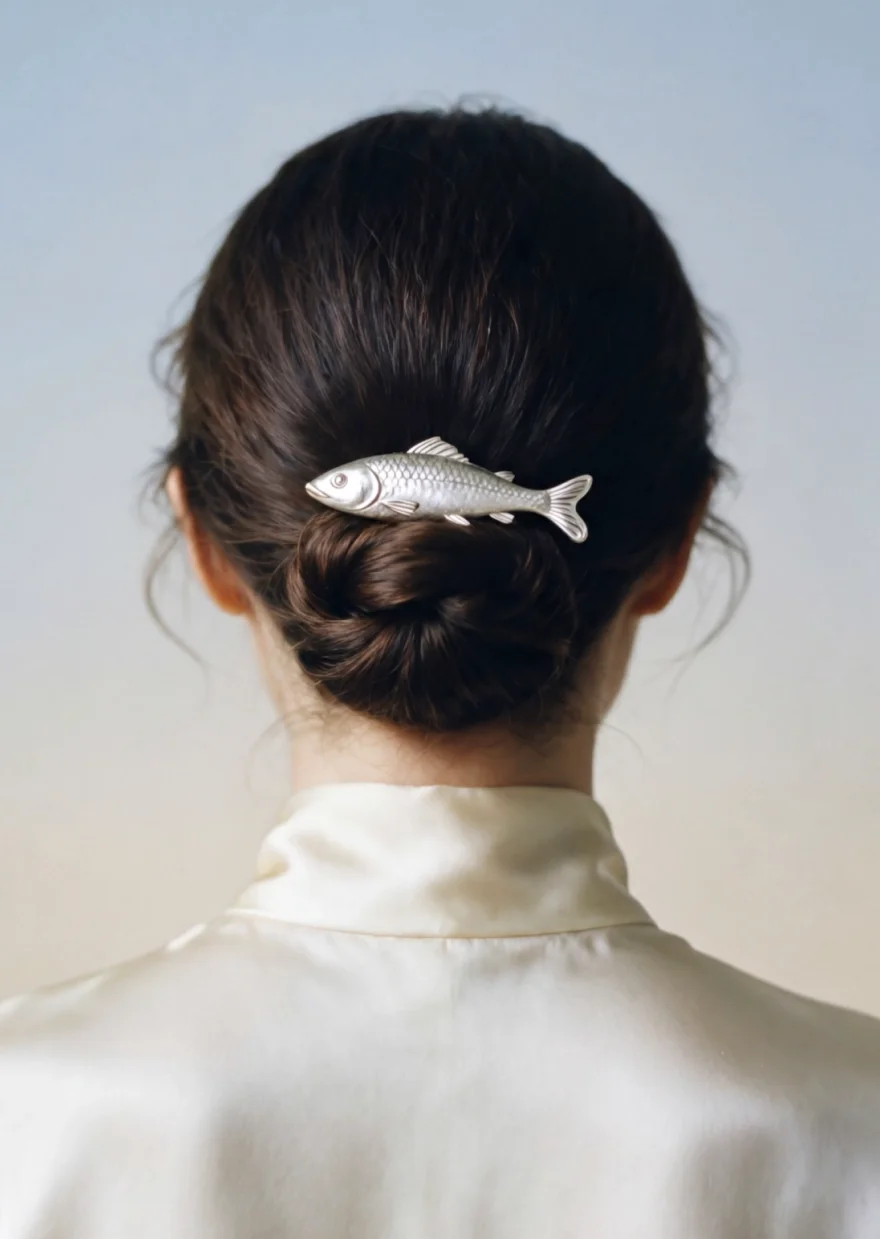


Images © Pika, from dev.pika.art.
Protect your brand - and other people's - before an AI asset goes live.
Pika includes a commercial license on paid plans. Check Pika pricing and commercial use before running ads.
Don't put other brands' logos, products or characters in your content without permission.
Use real faces and voices only with written permission, and never imply an endorsement that doesn't exist.
AI visuals shouldn't exaggerate what a product does. Show it as customers will actually receive it.