🖼️
Photo to talking video
One still image plus audio becomes a talking presenter. In Pika: the Talking Head app.
LipSync AI matches a face's mouth movements to speech - turning a still photo into a presenter, letting characters speak inside a scene, or re-voicing a video in another language. Learn how the technology works, the main types, the best LipSync AI models you can use through Pika, and how to use it responsibly.
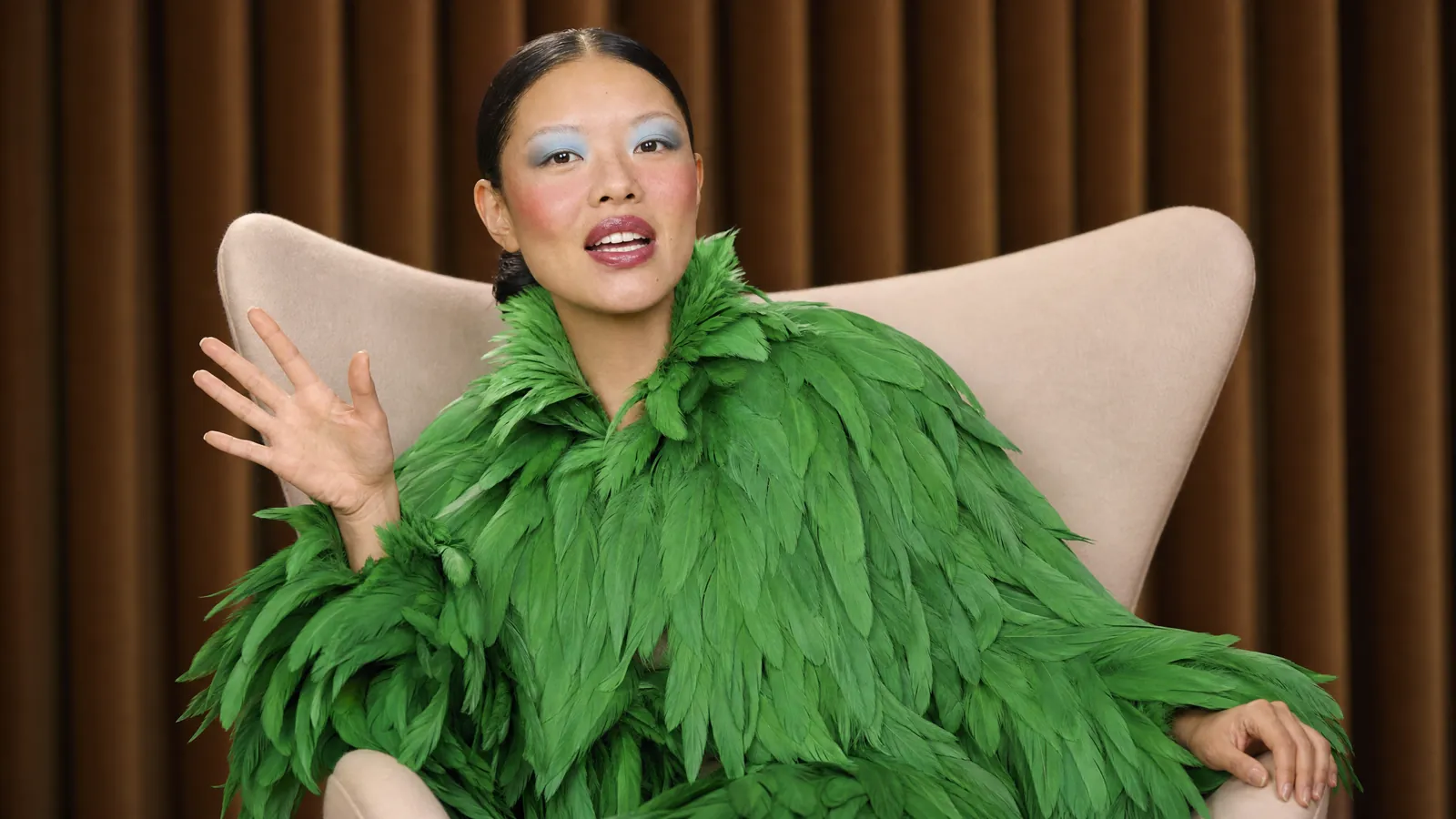
LipSync AI is any AI system that generates or edits a face so its lips, jaw and expressions match spoken audio. Instead of animating mouth shapes by hand, frame by frame, you give the AI a face and a voice, and it produces a video where the person appears to say the words.
It started as a tool for dubbing and animation. Today it powers talking avatars, AI presenters, character dialogue in AI films, translated videos, podcasts and memes - and newer video models can generate the voice and the matching mouth movement together in one pass.
| LipSync AI at a glance | |
|---|---|
| Input | A face (photo, character or video) + speech (text or audio) |
| Output | A video with matching mouth and facial movement |
| Key challenge | Timing, natural expressions and keeping the face identical |
| In Pika | Talking Head, H3 Flex dialogue, Podcast Video, Pika Speech |
A simplified look at what happens between "here's my script" and a talking video.
Text is turned into a voice with text-to-speech, or your recorded audio is used directly.
The AI analyses the audio's sounds (phonemes) and timing, and maps them to mouth shapes (visemes) - closed lips for "m", round lips for "oo".
A video model animates the face frame by frame, adding jaw movement, blinks and head motion while keeping identity consistent.
The animated face is blended with the background and the audio is attached, producing the final talking video.
Models like Pika H3 Flex, Seedance 2.5 and Kling 4.0 generate video with synchronized native audio in the same pass, so dialogue, sound and mouth movement are created together rather than added afterwards.
More on mouth shapes and expressions: Pika mouth movement.
One still image plus audio becomes a talking presenter. In Pika: the Talking Head app.
Characters speak lines written in the prompt, with sound generated alongside the video. In Pika: Video Studio with H3 Flex.
Changes the mouth in real footage to match new audio - used for dubbing and fixes. Available to developers through lip-sync models on the Pika API.
Two or more hosts talking back and forth. In Pika: the Podcast Video app.
Pika brings several lip sync approaches together on one account.
| Tool / model | Type | Stand-out | Where |
|---|---|---|---|
| Pika Talking Head | Photo to talking video | Stock avatar or your photo + script or audio | pika.art, iOS app |
| Pika H3 Flex | Dialogue in scenes | Synced stereo audio, 12 references, 5 audio stems | pika.art, API |
| Seedance 2.5 | Joint audio + video | Audio-only reference for lip-sync and beat-matching | pika.art model list |
| Kling 4.0 | Joint audio + video | Stereo dialogue in multiple languages, up to 30 s | pika.art model list |
| Pika Podcast Video | Multi-speaker | Two-host episodes from a topic or script | pika.art, iOS app |
| Pika Speech | Voice | Expressive voiceovers and voice cloning | pika.art |
| Kling Lipsync & avatar models | Re-sync / avatar | For developers building their own apps | Pika API |
Model availability can change - check pika.art and dev.pika.art for the current list.
A talking video from one photo and a script.

Two hosts, one episode.


Dialogue inside scenes with H3 Flex.
App previews © Pika, from pika.art. Step-by-step instructions: how to lip sync.
Lips must close on "p", "b" and "m" and open on vowels exactly when the sound plays.
Real speech moves the cheeks, eyebrows and eyes - not just the mouth.
The face should stay the same person throughout the clip.
Expressive pacing and emotion make the sync believable.
Detailed inner-mouth rendering avoids the "puppet" look.
Sharp, front-facing faces and clean audio give the best results.
Official Pika demos - turn your sound on.
All videos © Pika, from pika.art/blog/pika-speech and pika.art/directors-suite.
AI presenters talking about a product. See branded content.
The same presenter speaking new languages.
Narrated lessons. See training videos.
Characters with dialogue. See storytelling.
Turn audio into talking video.
Talking pets and statues. See viral memes.
The same technology that powers a friendly AI presenter can be misused to fake what real people say.
Only animate faces and voices you own or have clear permission to use.
Never make real people appear to say things they didn't say.
Label AI-generated voices and faces as platforms require.
Respect Pika's Acceptable Use Policy and local laws on likeness and voice.