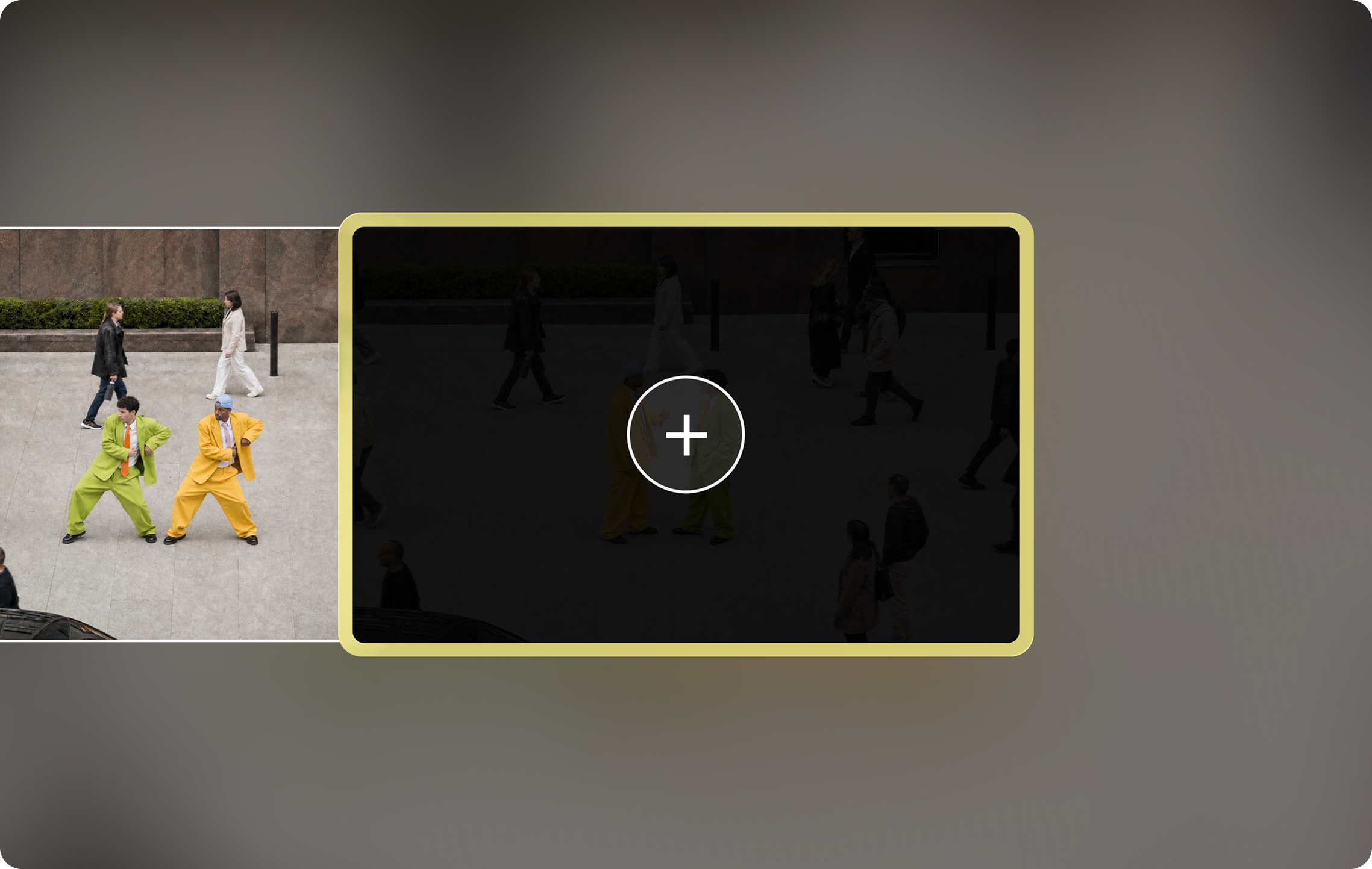
1 · Existing clip
Extend Video
Upload or pick a clip and generate extra frames that continue it. Repeat to keep adding time. Works on Pika-made clips and your own footage.
Clip ends too soon? Pika's Extend Video app makes any clip longer by generating new frames that continue the action - no looping, no slow motion, no reshoots. This guide covers every way to make longer videos with Pika, step by step.
Pika Extend Video is an app on pika.art that lengthens a clip by generating extra frames after it. The AI studies how your clip moves and continues the action - the waves keep rolling, the character keeps walking, the camera keeps gliding.
That's different from the old ways of stretching a video. Looping repeats the same footage, slow motion changes the pace, and freeze frames stop the action. Extending adds genuinely new footage that follows on from your clip.
It's also different from extending the background, which makes a shot wider rather than longer.
| Method | What it does | New footage? |
|---|---|---|
| Pika Extend Video | Generates frames that continue the action | ✓ Yes |
| Looping | Repeats the same footage | ✗ No |
| Slow motion | Plays the same footage slower | ✗ No |
| Freeze frame | Holds the last frame still | ✗ No |
Extend Video is the fastest fix for a clip that ends early. For longer stories, combine it with these tools.
Upload or pick a clip and generate extra frames that continue it. Repeat to keep adding time. Works on Pika-made clips and your own footage.

Generate a multi-shot video up to 30 seconds with sound in one go. Attach characters and settings so every shot matches.

Pika H3 Flex makes clips up to 15 seconds with synced audio. For single takes up to 30 seconds, pick Kling 4.0 or Seedance 2.5 in the same apps.

Create a smooth video between several images - great for turning a storyboard into a sequence. See Pikaframes.
For videos longer than 30 seconds, plan in shots and join them in an editor. See how to make longer videos and chaining scenes.
Score the finished, longer clip with Pika Soundtrack so audio runs smoothly across the new frames.
Use Upscale to take the final cut to a higher resolution - up to 4K with H3 Flex.
App images © Pika, from pika.art. App availability and names can change - check pika.art for the current list.
Start with the longest generation that fits your idea, then extend or stitch only what you need.
| Tool or model | Max length per generation |
|---|---|
| Video Studio (multi-shot) | Up to 30 seconds, with sound |
| Kling 4.0 | 3-30 seconds in one take |
| Seedance 2.5 | Up to 30 seconds in one take |
| Wan 3.0 | Up to 30 seconds in one take |
| Pikaframes | Up to 25 seconds across up to 5 keyframes |
| Pika H3 Flex | 5-15 seconds, with synced audio |
| MiniMax H3 | Up to 15 seconds |
| Extend Video | Adds more time to any clip - repeat as needed |
Figures are each developer's published maximums; limits can vary by plan. Compare models in our model comparison.
Pika's experimental Director's Suite is built for longer, story-driven video: an AI agent plans the concept, cast and storyboards, generates the clips and lets you edit them on a timeline. Access is by application. See Pika scenes for storytelling.
Sign in on the web - see Pika AI login. Every plan, including Free, can use Extend Video.
Choose the Extend Video app, then pick a clip from your library or upload your own.
The extension continues from where your clip ends, so trim away any blurry or awkward final frames first.
Add a short prompt for the continuation - "she keeps walking toward the lighthouse, camera follows" - or leave it to continue naturally.
Watch the moment where the original ends and the new frames begin. If it jumps, regenerate or adjust the prompt.
Extend again if you need more time, then add sound and upscale before you download.
Continuation prompts work best when they describe the next moment, not a new scene. More ideas in the Pika prompt guide.
Keep a moving subject going in the same direction.
Let the camera continue to reveal more of the scene.
Give a clip that stops abruptly a proper finish.
Add a few seconds of hero shot for your logo or price.
Use Extend Video at pika.art in any browser - nothing to install. Full guide: extend video length online.
Use the official Pika app or pika.art in Safari. Guide: extend video length on iPhone.
Pika has no official Android app - open pika.art in Chrome, and avoid third-party "Pika" apps. See the Pika AI app guide.
Stretch a clip to fit Shorts, Reels or TikTok timing. See short-form content.
Add seconds so the video lands on the beat or the end of a track.
Hold on the product for your logo and call to action. See branded AI content.
Give cut-off generations a natural ending. See cinematic trailers.
Extend the first shot so it flows into the next. See chaining scenes.
Build longer animated pieces shot by shot. See animated YouTube channels.
| Problem | Fix |
|---|---|
| Quality drifts after several extensions in a row | Extend in short steps, keep the same prompt words, and attach your subject as a reference |
| Visible jump where the new frames start | Trim the last frames of the original before extending, then regenerate |
| Action repeats instead of moving forward | Describe the next moment clearly - where the subject goes and what changes |
| Very long videos - minutes, not seconds | Plan in shots and stitch them - see how to make longer videos |
| Credits add up with every extension | Draft at low resolution and upscale only the final cut - see Pika pricing |