✂️
Short sentences
Aim for 8-12 words per sentence.
Make a photo, character or presenter speak your words with natural mouth movement. This hands-on guide covers preparing your photo and audio, writing a script that syncs well, the exact steps for each Pika method, and how to fix lips that drift.
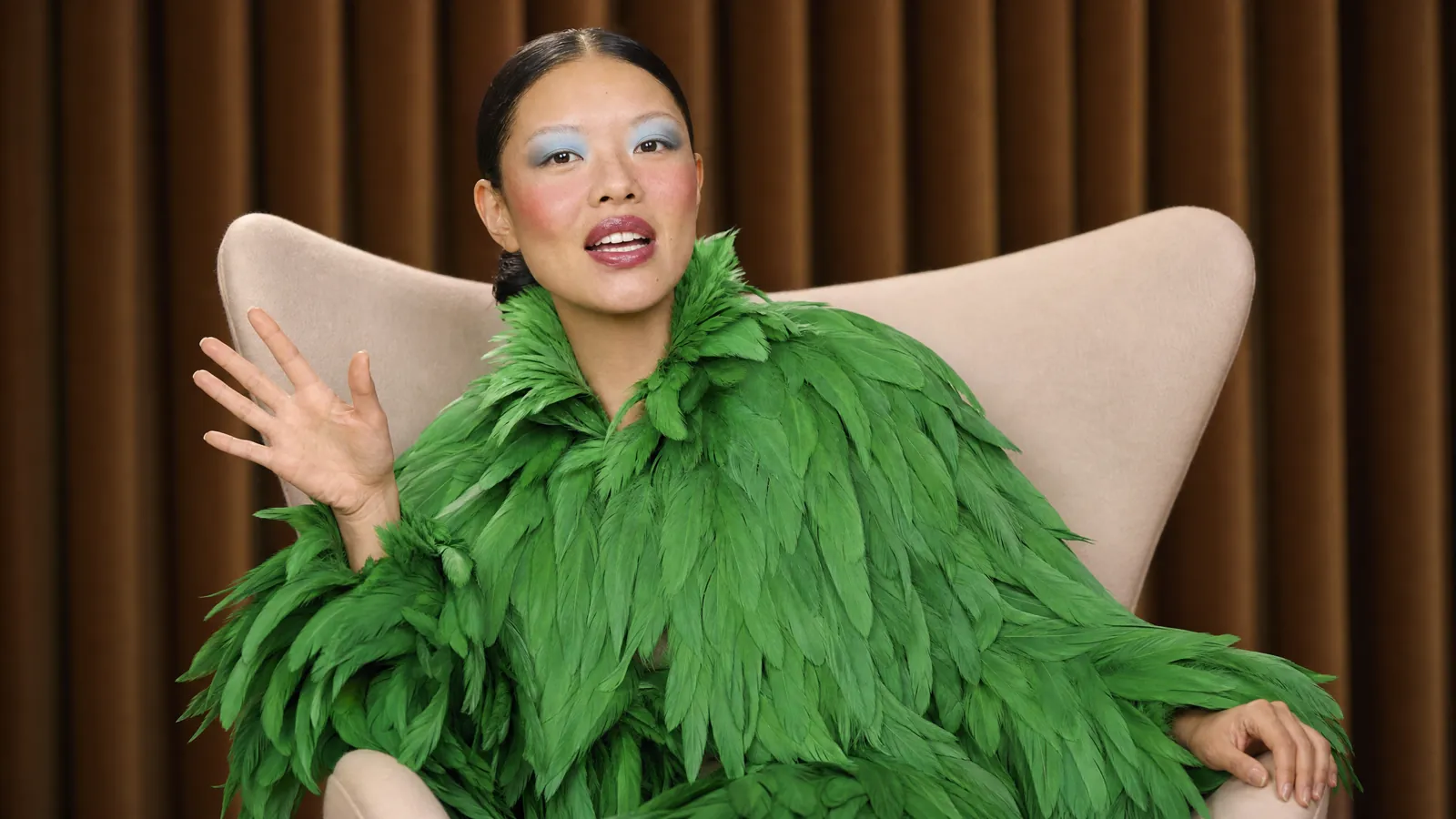
Choose based on what you want the finished video to look like.
| You want… | Use | Input |
|---|---|---|
| A presenter talking to camera | Talking Head app | A photo or stock avatar + script or audio |
| Characters speaking inside a scene | Video Studio + Pika H3 Flex | A prompt with the line in quotes + character reference |
| Two hosts chatting | Podcast Video app | A topic or script |
| Lip sync to a song or exact audio | Talking Head with uploaded audio, or Seedance 2.5 with an audio reference | Your audio file |
Overview of every method: Pika lip sync.
Most lip sync problems start with the input. Spend two minutes here and save credits later.
Sign in at pika.art (or the iPhone app) and open the Talking Head app.
Upload a clear photo or choose a stock avatar.
Paste a script and pick a voice, or upload your own audio recording.
Pika creates a talking video with matching mouth and facial movement.
Watch closely on plosive sounds like "p", "b" and "m" - lips should close.
Run it through Dynamic Captions, then download.
For the most control, create the voiceover in Pika Speech first, adjust tone and pacing, then upload that audio to Talking Head.
Create them in Character Studio so the face stays consistent.
Choose Pika H3 Flex, which generates video with synced stereo audio and dialogue.
Describe the scene and put exactly what they say in quotation marks.
Add tone and emotion - "whispers nervously", "shouts with joy".
Check that the words match; regenerate with a shorter line if needed.
Find the Podcast Video app in Pika's studio.
Type a topic, or paste a two-person script with clear speaker labels.
Choose host looks and voices, or use your saved characters.
Generate the episode, then add Dynamic Captions for sound-off viewers.

Aim for 8-12 words per sentence.
About 2-3 words per second sounds natural.
Spell tricky names phonetically for the voice.
| Problem | Likely cause | Fix |
|---|---|---|
| Lips lag behind the voice | Long clip or fast speech | Split into shorter clips; slow the voice slightly |
| Mouth barely moves | Closed mouth or low-res photo | Use a sharper photo with lips slightly apart |
| Face warps or changes | Side angle or blocked face | Use a front-facing photo with nothing covering the mouth |
| Wrong words in scene dialogue | Line too long or unclear | Put the exact line in quotes and keep it short |
| Robotic delivery | Flat script | Add punctuation and emotion cues in Pika Speech |
| Muffled audio | Noisy recording | Re-record in a quiet room or generate the voice with Pika Speech |
More on natural mouth shapes: Pika mouth movement.
Official Pika Speech demos - turn your sound on.
All videos © Pika, from pika.art/blog/pika-speech.
Only animate faces and clone voices you own or have clear permission to use.
Never make real people appear to say things they didn't say.
Follow platform rules for disclosing AI-generated voices and faces.
Check Pika's Acceptable Use Policy before publishing.