
From scratch
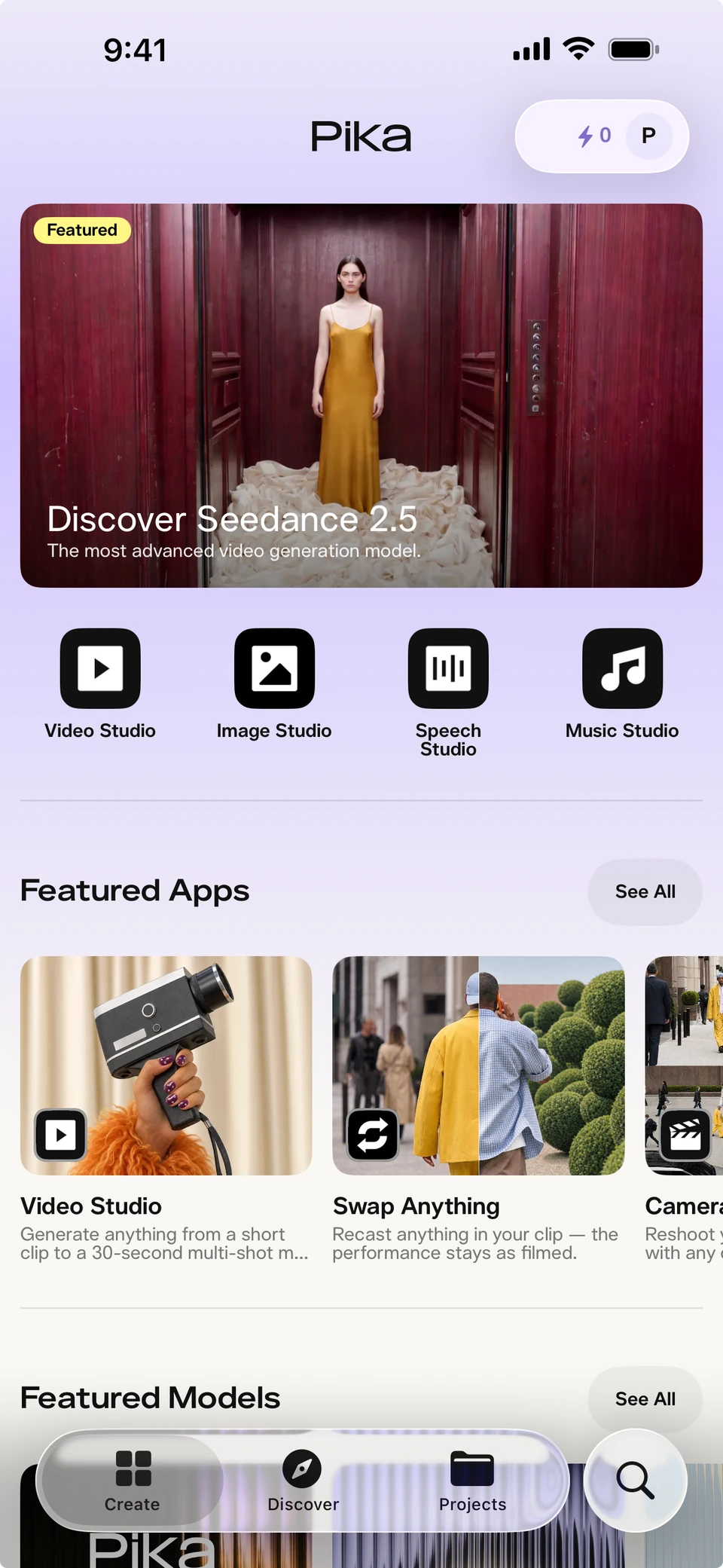
Video Studio
Generate a multi-shot video up to 30 seconds with sound in one go.
Make any clip on your iPhone longer - with brand-new AI frames that continue the action, not loops or slow motion. Use the official Pika app or pika.art in Safari, follow the steps below, and save the longer video straight to Photos.
Yes. The iPhone's built-in Photos and iMovie apps can make a clip play longer - with slow motion, a freeze frame or a loop - but they can't create new footage. To add real seconds where the action keeps going, you need an AI tool like Pika.
Pika's official iPhone app, Pika - AI Video, runs the same creation apps and models as pika.art on the same account. You can also open pika.art in Safari - handy on iPad, too. Either way, Pika generates new frames that continue your clip naturally.
| iPhone method | New footage? |
|---|---|
| Pika app - Extend Video | ✓ AI continues the action |
| pika.art in Safari | ✓ Same tools in the browser |
| iMovie / Photos slow motion | ✗ Same footage, slower |
| Freeze frame | ✗ Holds one frame still |
| Looping | ✗ Repeats the same clip |
App details from the official Pika download page.
Get "Pika - AI Video" by Mellis, Inc. from the App Store, or open pika.art/download on your phone.
Use the same account as pika.art so your credits and creations sync.
Pick the Extend Video app and choose a clip from your Photos or your Pika library.
Optionally add a short prompt - "the dog keeps running toward the camera" - to guide the new frames.
Pika adds new seconds to the end. Extend again on the result if you need more time.
Score it with Pika Soundtrack, then save the longer video to Photos or share it.
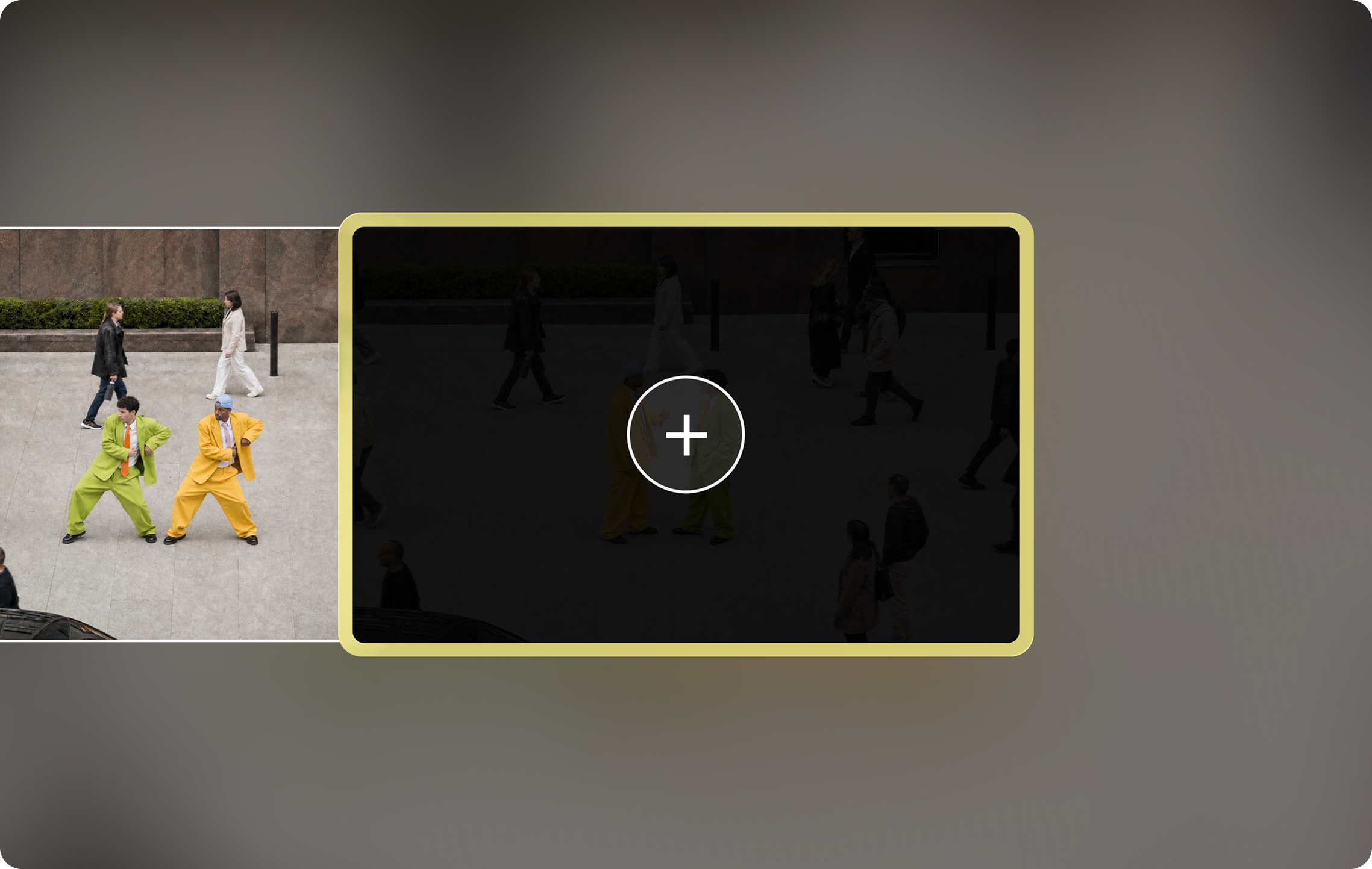
Open pika.art in Safari, sign in, and follow the same steps. Tap the Share button and choose Add to Home Screen for one-tap access. See extend video online.
Extend Video is the quickest fix. For bigger projects, combine these Pika tools - all available in the app.
Generate a multi-shot video up to 30 seconds with sound in one go.

Keep the same character across several clips you join together.

Reshoot a scene from new angles to get extra shots for your edit.

Score the longer clip so the audio runs smoothly across the new frames.
App previews © Pika, from pika.art. See every method in our Extend Video Length guide.
Short prompts that tell Pika what happens next. Copy and adapt.
Official clips made with Pika - the same tools you get in the iPhone app.
All videos © Pika, from pika.art.
Clips that end mid-action extend more naturally than ones that end on a blur or cut.
Add a few seconds at a time and check each result before extending again.
Generation runs in the cloud - use Wi-Fi and keep the app open if a job stalls.
App purchases are billed by Apple, and credit packs bought on pika.art can't be spent in the iOS app. See pricing.
The official app is by Mellis, Inc. Many look-alike apps use the Pika name.
New tools and fixes arrive through App Store updates.